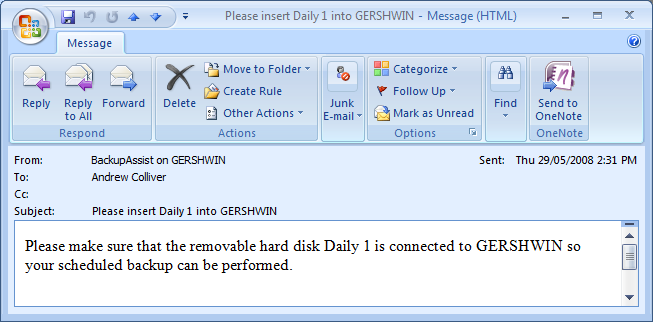
Simple instructions mean that it's virtually impossible to go wrong
Being notified of the status of each backup is critical to a successful data protection system. Fortunately, BackupAssist covers both of the following aspects for notifications:
These notifications can be delivered via email, printer, network broadcasts or integration with other monitoring packages.
By providing clear, specific instructions on what to do, BackupAssist will minimize human error.
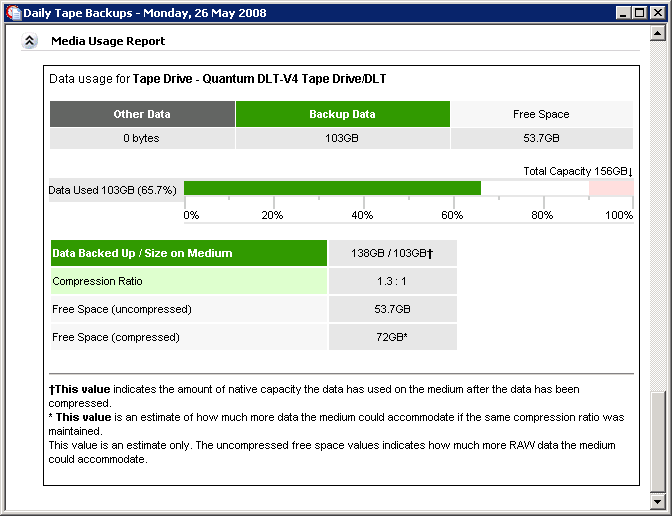
One major cause of backup failures is running out of space due to data growth. Our media usage report allows you to track data growth and see when your backup system needs upgrading.
Another major cause of backup failure is when the user forgets to do something - like swapping tapes or HDDs.
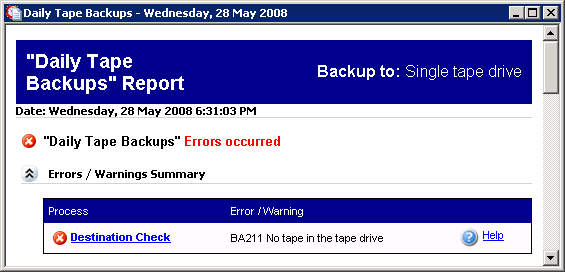
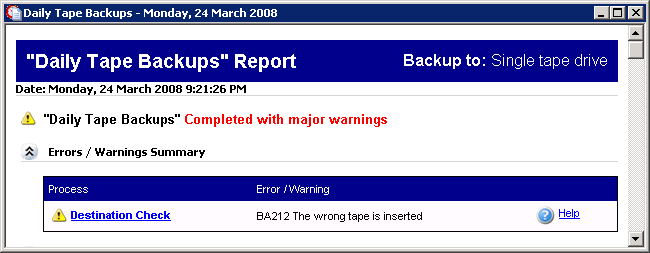
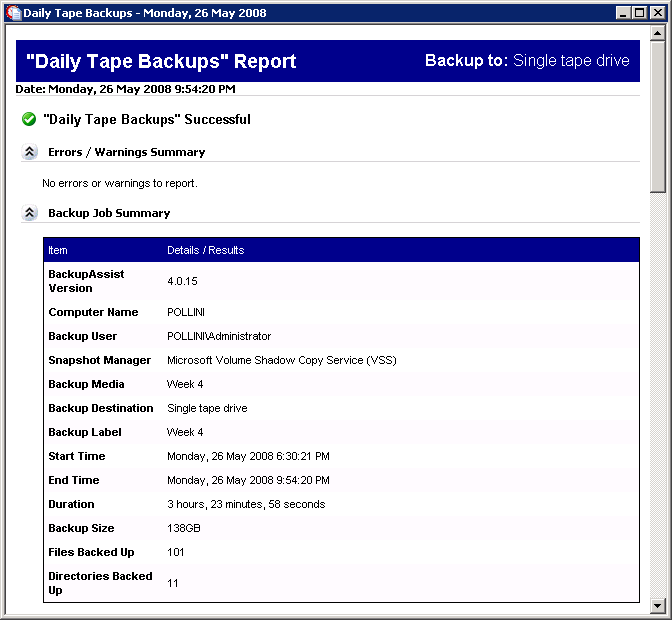
Each backup report will show you details of the backup.
To our knowledge, BackupAssist is the only non-Microsoft backup application that reports directly to the SBS 2003 Performance Log. This means that if you already have performance log emails set up, you will automatically be notified of BackupAssist results.
Any errors that occur are easy to troubleshoot because each error is linked to an online knowledge base article.
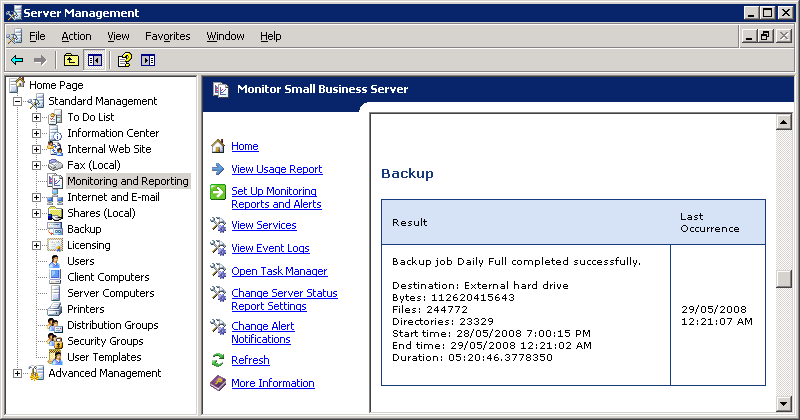 The results of the backup are presented in the SBS Performance Logs
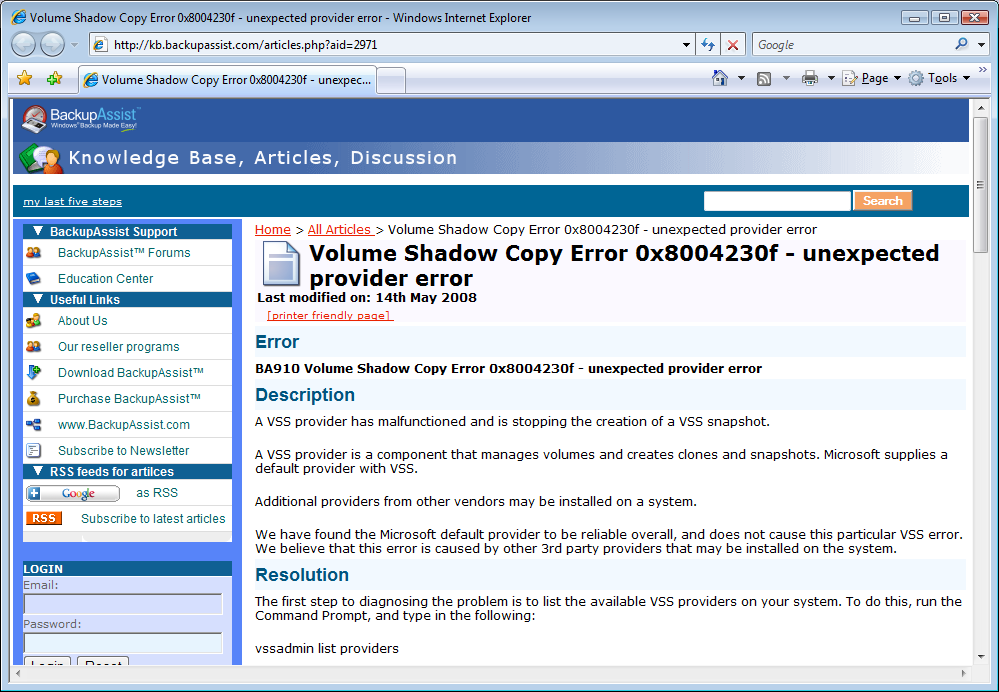 Our Knowledge Base contains solutions to backup problems