Restoring a mailbox from a PST file (Mailbox restore)
BackupAssist 365 allows you to restore from a mailbox PST file to a live mailbox in Office 365 or Exchange.
To restore a mailbox:
-
Open BackupAssist 365.
-
Select Mailbox restore.
-
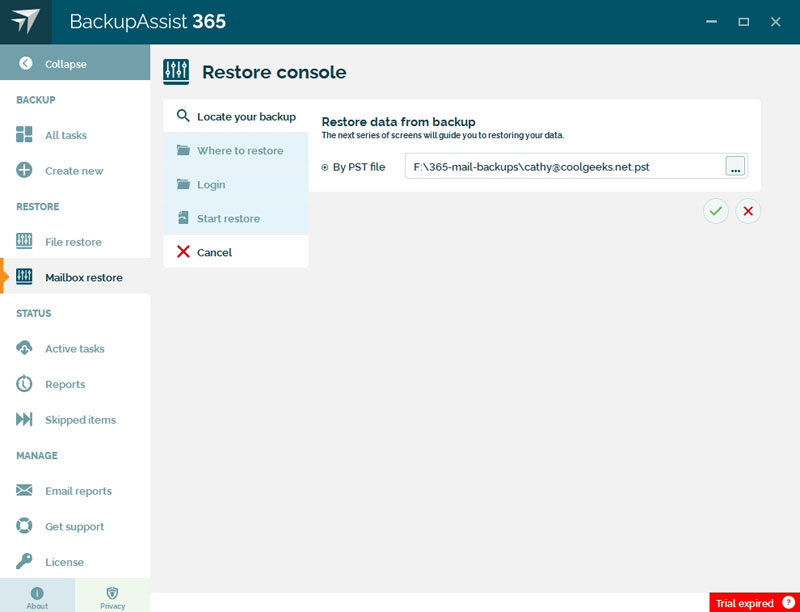
Locate your backup.
Browse to the PST file you want to restore from and select it.
-
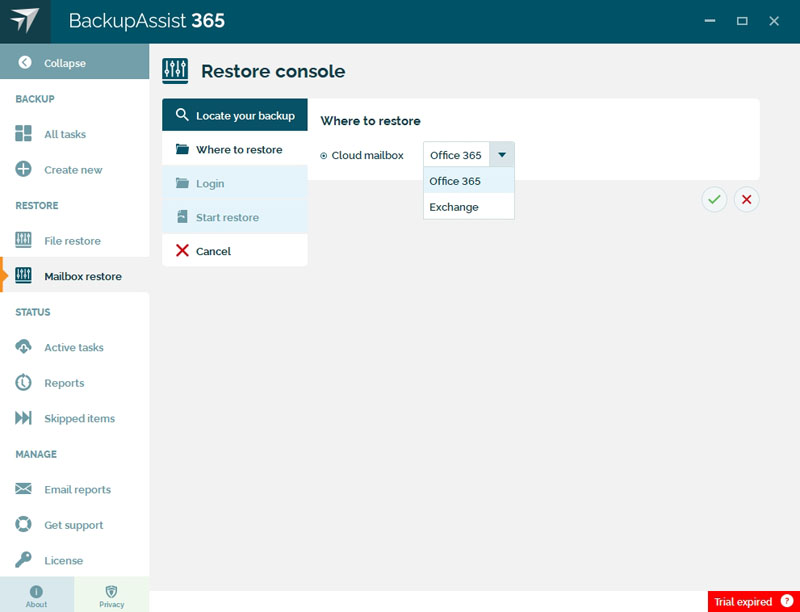
Choose where you want to restore to.
You can select an Office 365 or Exchange cloud mailbox.
-
Where to restore
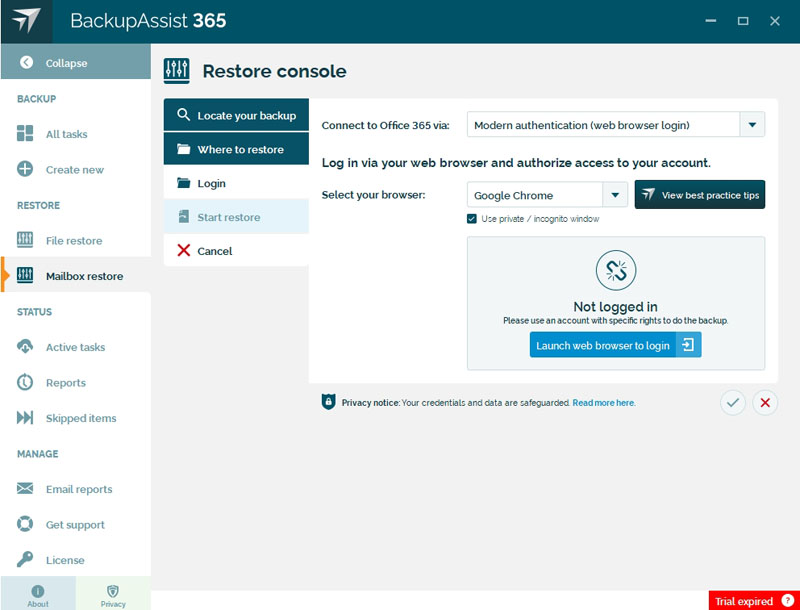
- In Connect to Office 365 via, select Modern authentication (web browser login). It supports two-factor authentication using a mobile phone. You will be asked to select a web browser, log into Office 365 and test the two-factor authentication. You will need a mobile phone to receive the SMS code.
- Choose the browser
- Click Launch web browser to login.
- Enter the credentials to be used to run the restore.
- Click the tick to save and proceed to the next step.
-
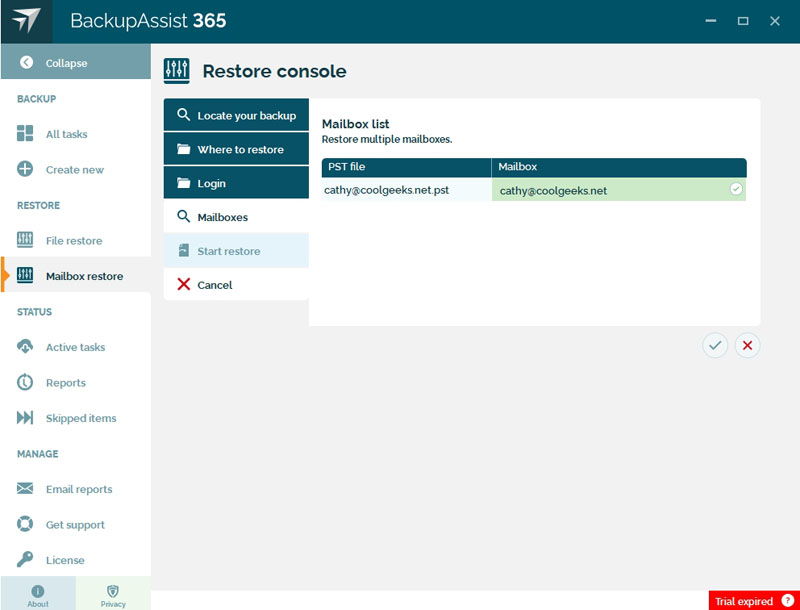
Mailbox list.
Enter the name of the mailbox for each PST file that you are restoring.
Click the tick to save and proceed to the next step.
-
Click Start restore.
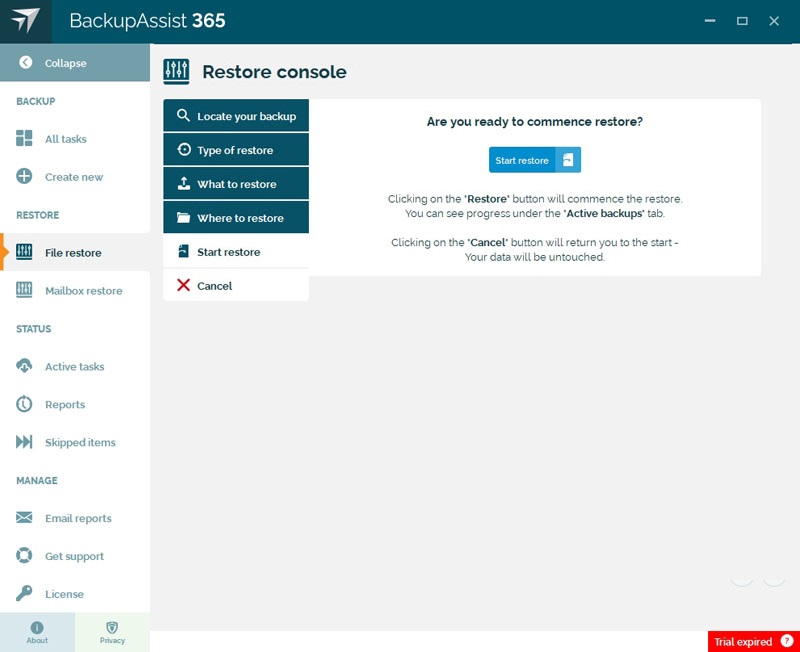
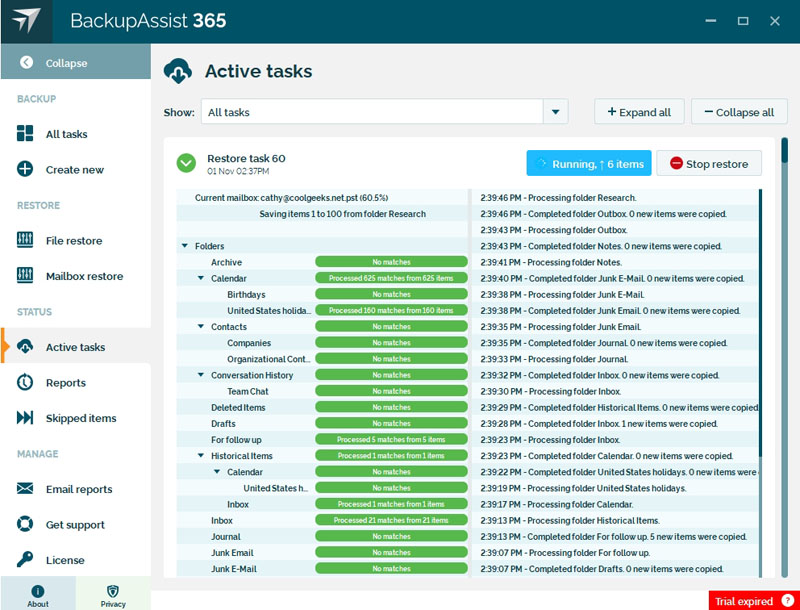
The restore will start and display its progress in the Active backups screen.