Changing a client's name
A client's name can be easily changed if required.
For example, you may want to change a client's name if their trading name changes, or if you want to implement a new naming convention in MBC.
To rename a client:
-
Log into the Managed Backup Console.
-
Click Clients.
-
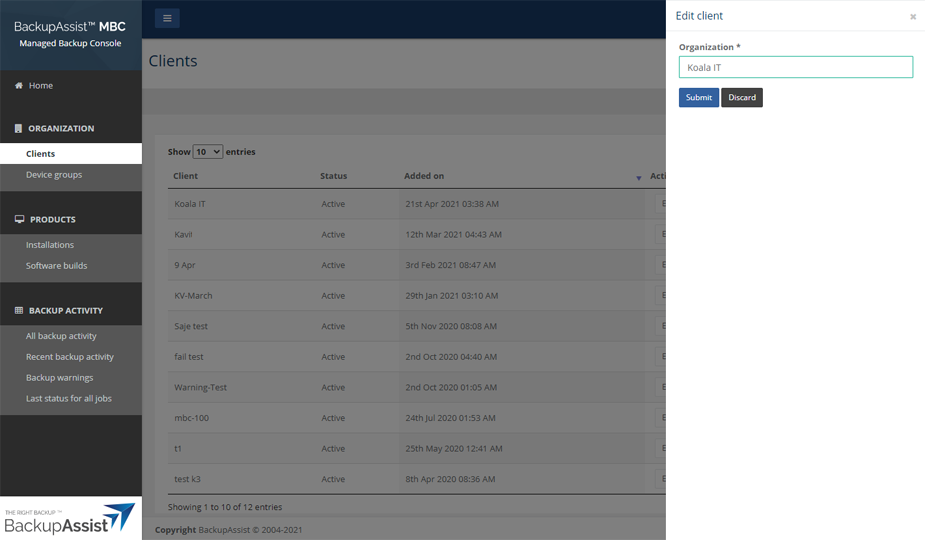
Click Edit under the Actions column for that client.
-
Type the new name into the Organization field.
-
Click Submit.
Note
The Actions column contains Edit and Explore sites buttons. Use Explore sites to view a client's sites.