BA20: No valid selections are available for backup
| Error code | Product | Applies to |
|---|---|---|
| BA20 | BackupAssist ER | BackupAssist ER v1 and later |
Description
Before each backup BackupAssist ER will check each selection to make sure it's available. If BackupAssist ER cannot access any selections you will receive this error.
Resolution
If your selections have been renamed or deleted since they were selected, BackupAssist ER will not be able to find them.
Open the backup job and review the selections. Reselect any files that have been renamed.
To update or review a backup job:
-
Open BackupAssist ER.
-
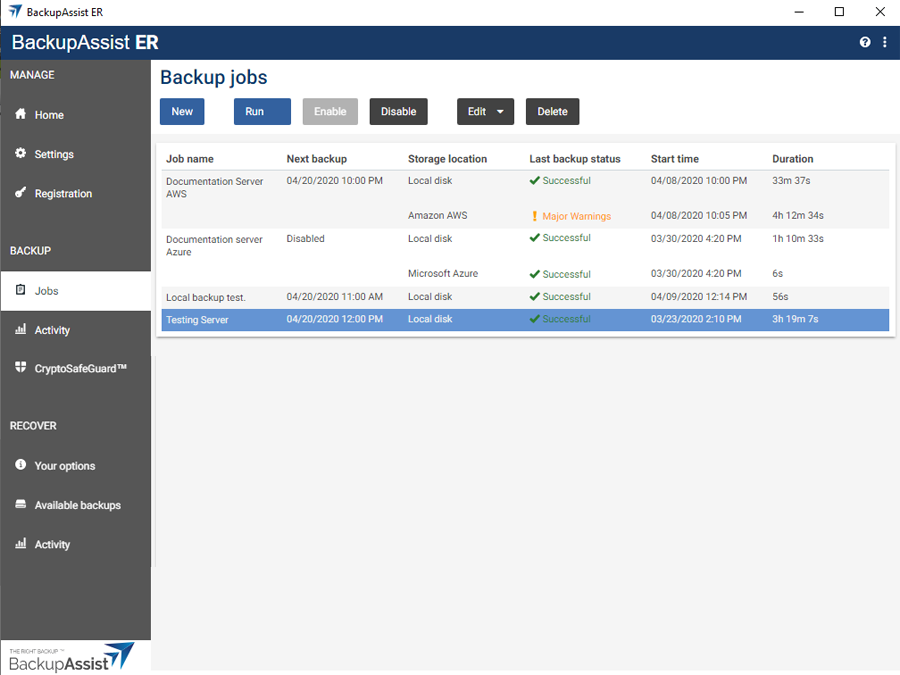
Select the Jobs tab.
-
Select the backup job that you want to modify from the list of jobs.
-
Click the Edit button on the top menu.
-
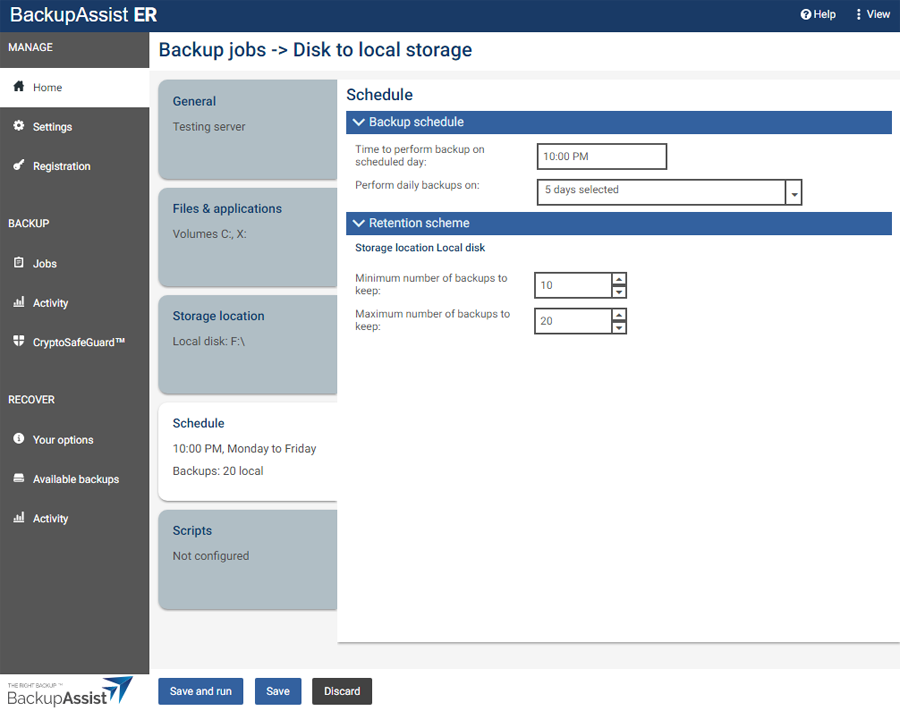
Select the tab containing the information or selection you want to change.
-
Make the required update.
-
Click the Save button.
| Last updated | Created | Further assistance |
|---|---|---|
| 24th Apr 2015 | 16th Mar 2007 | BackupAssist ER Support page |