BA204: Copy file target was not specified correctly
| Error code | Product | Applies to |
|---|---|---|
| BA204 | BackupAssist ER | BackupAssist ER v1 and later |
Description
Copy file target was not specified correctly
Resolution
Review the backup job and update the destination provided.
To update or review a backup job:
-
Open BackupAssist ER.
-
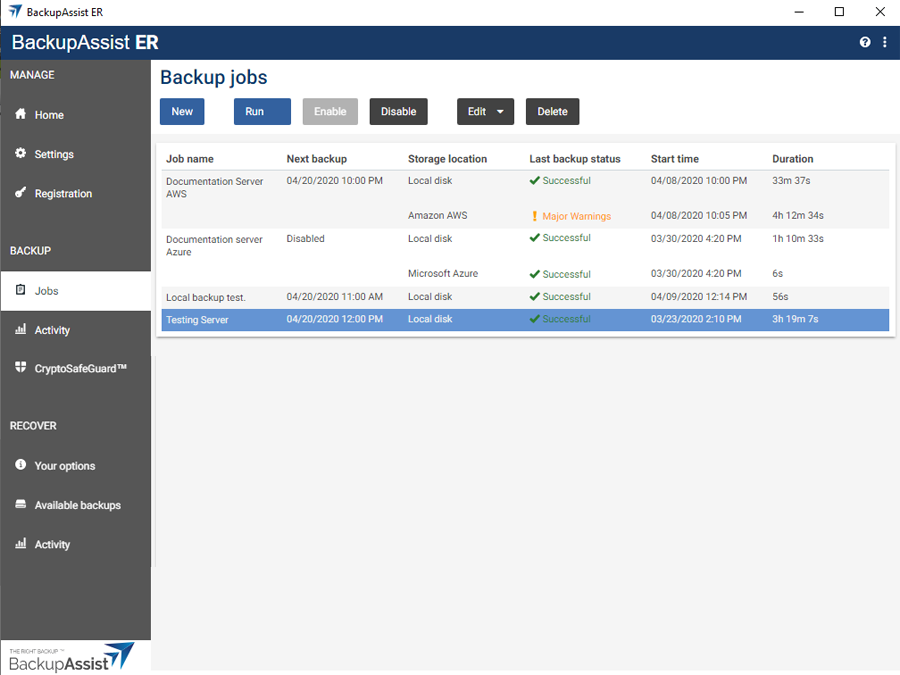
Select the Jobs tab.
-
Select the backup job that you want to modify from the list of jobs.
-
Click the Edit button on the top menu.
-
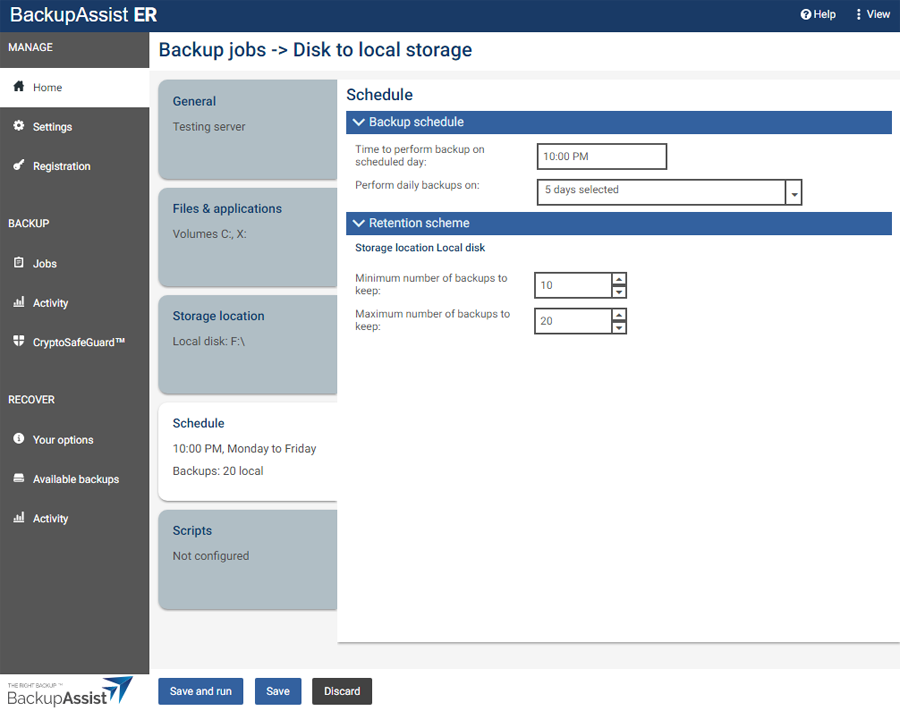
Select the tab containing the information or selection you want to change.
-
Make the required update.
-
Click the Save button.
| Last updated | Created | Further assistance |
|---|---|---|
| 18th Mar 2015 | 03rd Jul 2007 | BackupAssist ER Support page |