BA7000: Incorrect Cloud Backup password used
| Error code | Product | Applies to |
|---|---|---|
| BA7000 | BackupAssist ER | BackupAssist ER v1 and later |
Description
The wrong password has been used by the backup job to access the cloud destination.
Resolution
Edit the backup job, and enter the correct password into the fields provided.
To update or review a backup job:
-
Open BackupAssist ER.
-
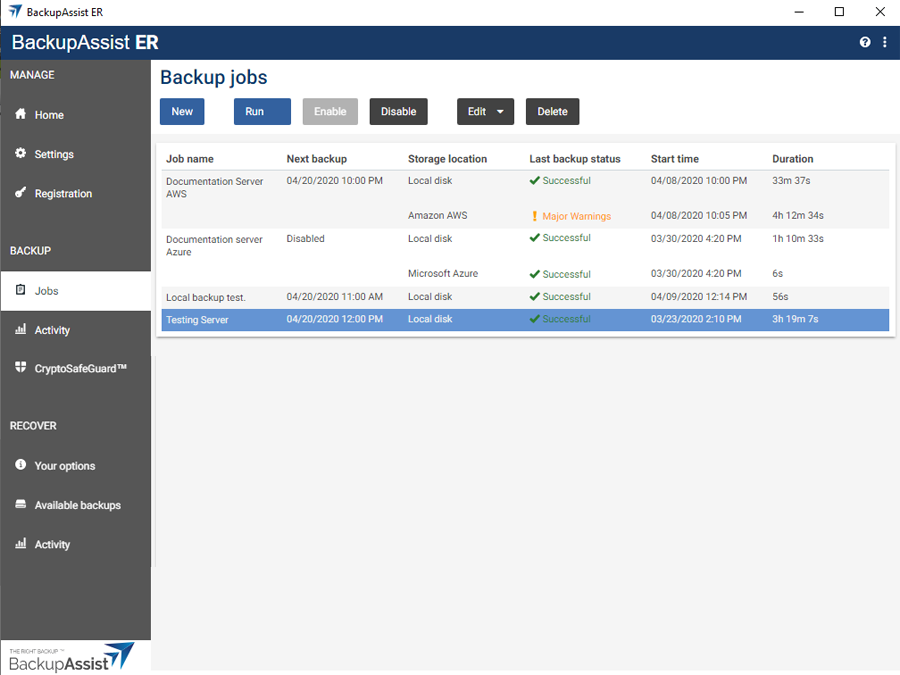
Select the Jobs tab.
-
Select the backup job that you want to modify from the list of jobs.
-
Click the Edit button on the top menu.
-
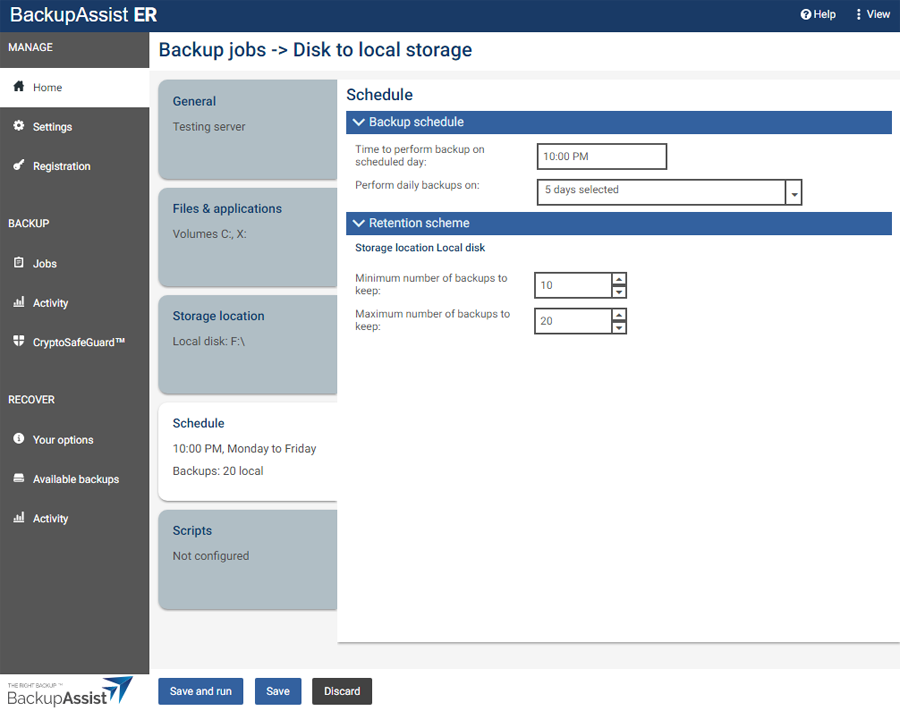
Select the tab containing the information or selection you want to change.
-
Make the required update.
-
Click the Save button.
| Last updated | Created | Further assistance |
|---|---|---|
| 11th April 2017 | 29th March 2017 | BackupAssist ER Support page |