BA7001: Could not create the cloud destination container
| Error code | Product | Applies to |
|---|---|---|
| BA7001 | BackupAssist ER | BackupAssist ER v1 and later |
Description
The backup job was unable to either create or connect to the cloud container.
Resolution
This error is usually indicative of network issues or an incorrect connection setting.
To resolve this issue:
- Check that your internet connection is working and fix any issues found.
- For Amazon S3, check that your bucket name and region are correct.
- For Azure, check that your cloud container name is correct.
- If this is the first time the backup job has run, check that the destination settings are correct.
To update or review a backup job:
-
Open BackupAssist ER.
-
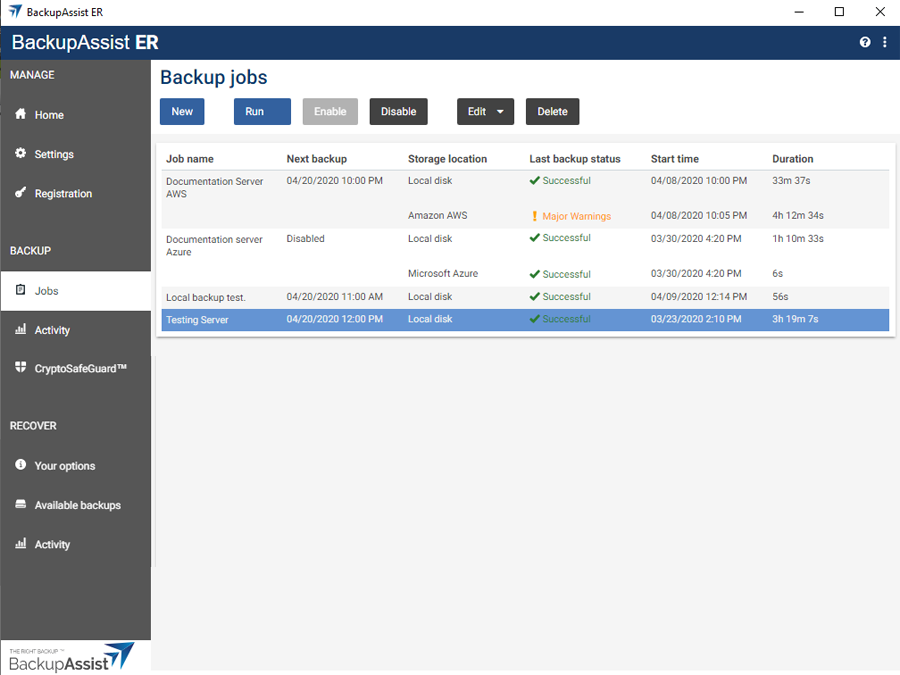
Select the Jobs tab.
-
Select the backup job that you want to modify from the list of jobs.
-
Click the Edit button on the top menu.
-
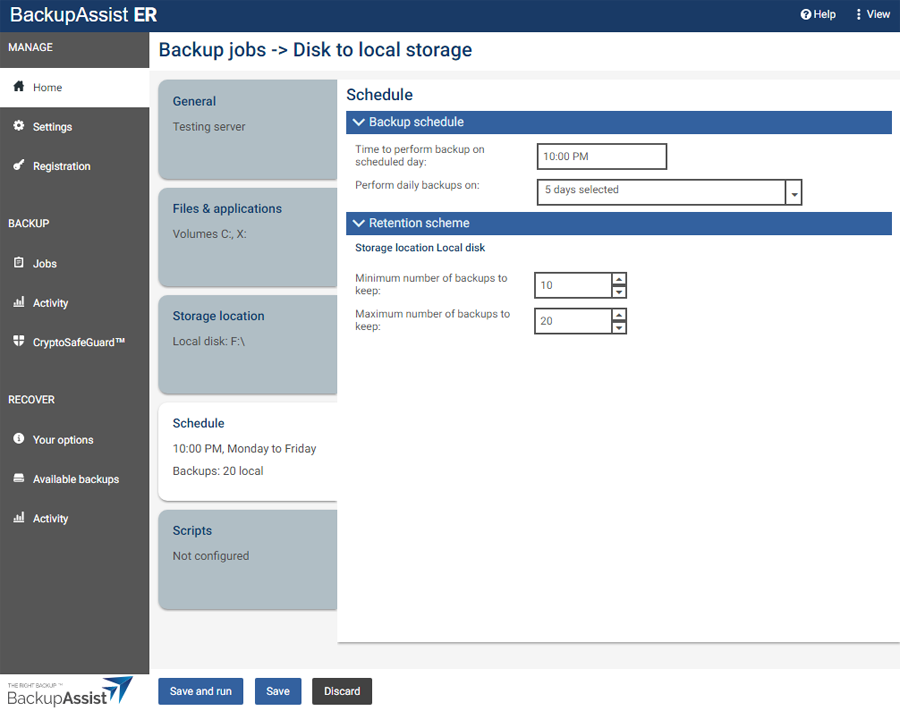
Select the tab containing the information or selection you want to change.
-
Make the required update.
-
Click the Save button.
| Last updated | Created | Further assistance |
|---|---|---|
| 11th April 2017 | 29th March 2017 | BackupAssist ER Support page |