BA739: Could not delete reparse point
| Error code | Product | Applies to |
|---|---|---|
| BA739 | BackupAssist ER | BackupAssist ER v1 and later |
Description
BackupAssist ER does not support reparse points.
A reparse point is a special type of file which causes a redirection in the file system. A junction point is a specific type of reparse point.A junction point can be created on an empty directory and points to another directory somewhere on the file system.
To learn more about reparse points, visit https://msdn.microsoft.com/en-us/library/aa365503(VS.85).aspx
Resolution
Deselect the reparse points from the backup selection.
You can identify these reparse points using the backup report and then deselect them in the backup job.
To update or review a backup job:
-
Open BackupAssist ER.
-
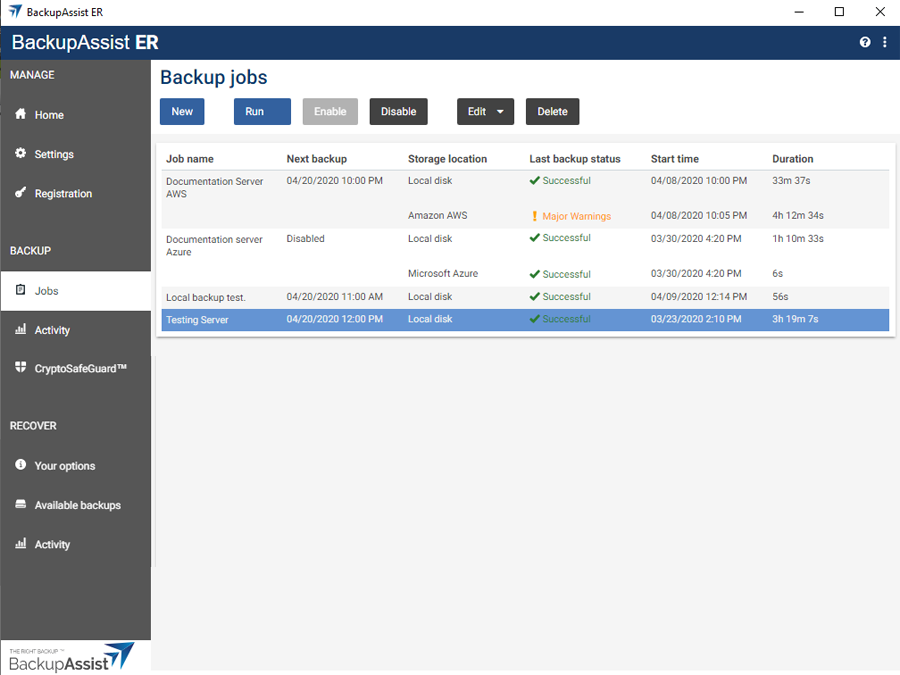
Select the Jobs tab.
-
Select the backup job that you want to modify from the list of jobs.
-
Click the Edit button on the top menu.
-
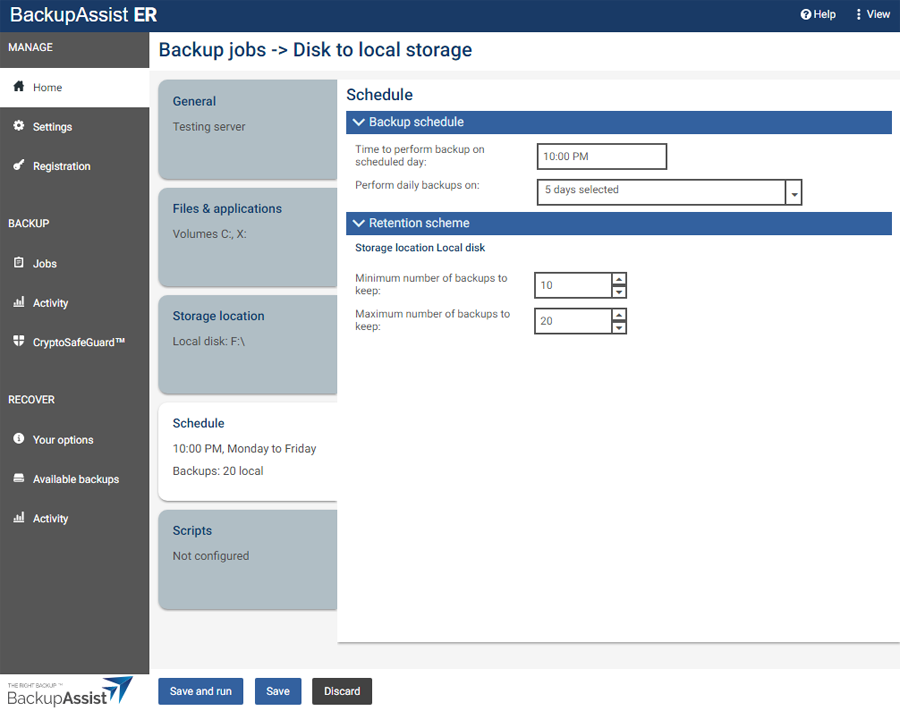
Select the tab containing the information or selection you want to change.
-
Make the required update.
-
Click the Save button.
| Last updated | Created | Further assistance |
|---|---|---|
| 27th Aug 2015 | 18th Aug 2015 | BackupAssist ER Support page |