Changing your MBC password
Your MBC account's password should be changed as per your internal security guidelines.
To change your MBC password:
-
Open the Managed Backup Console.
-
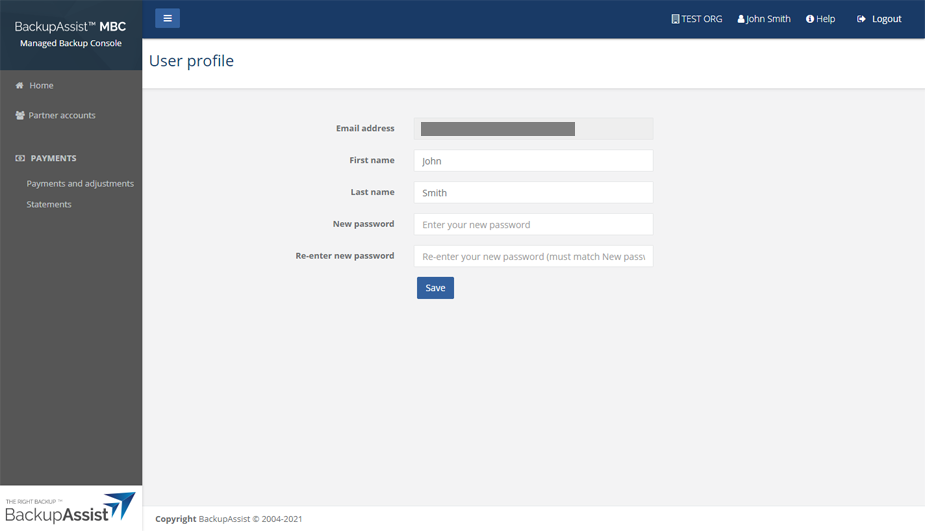
Click on the profile icon next to your account name at the top right.
-
Type a new password into the fields provided.
-
Click Save.