News
Tape Backup Infographic
Magnetic tape for digital storage has now been around for over 60 years and in the tech world, that’s more than old, it’s positively ancient. After

Magnetic tape for digital storage has now been around for over 60 years and in the tech world, that’s more than old, it’s positively ancient. After
We have just released BackupAssist v7.0.1 which holds a ton of new updates and fixes to further improve on BackupAssist v7. Some of these
This video shows you how to set up and use Central Administration, a powerful web console to securely manage and monitor your installations of BackupAssist within
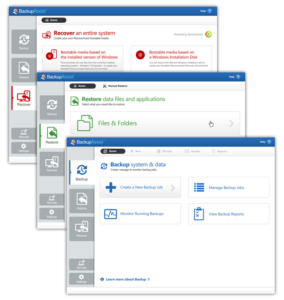
New BackupAssist v7 avaliable now! BackupAssist v7 is now available after serious development time, months of testing – including amazing feedback from our beta testing
In this video from BackupAssist we will show you a quick way to check if your backups are capable of bare metal recovery (BMR). View

Problems connecting to your NAS? Error BA260 It’s probably down to a credential issue. We have found that 95% of the time this error, BA260,
Running a Backup Outside BackupAssist is the 3rd of 3 videos demonstrating how you can trouble-shoot VSS backup problems. This is often the last step
Re-registering The VSS Writers is the 2nd of 3 videos demonstrating how you can trouble-shoot VSS backup problems. If you have viewed your event logs
Locating VSS Errors In Backup Logs is the 1st of 3 videos demonstrating how you can trouble-shoot VSS backup problems. If you’re unfamiliar with VSS
For detailed information on setting set up an Rsync daemon backup host, see our Rsync host setup page. The difference between Rsync over SSH and
Incremental backups are the surgical way to protect your files. They search and copy only things that have changed, rather than the sledgehammer approach of
How To Uninstall Rsync Programs is part of our videos lessons teaching you how to set up a successful Rsync Backup. By the end of