Germany just made a bold move
In March 2026, the German government published the “Deutschland-Stack”. It’s a governance framework that sets technical requirements across all German government levels.
The framework mandates that government documents must be stored in either ODF (OpenDocument Format) or PDF/UA from 2028 onwards.
That means Microsoft’s proprietary formats — the ones behind .docx, .xlsx, and .pptx files — are banned in just a few years.
Read the full story at IT’s FOSS
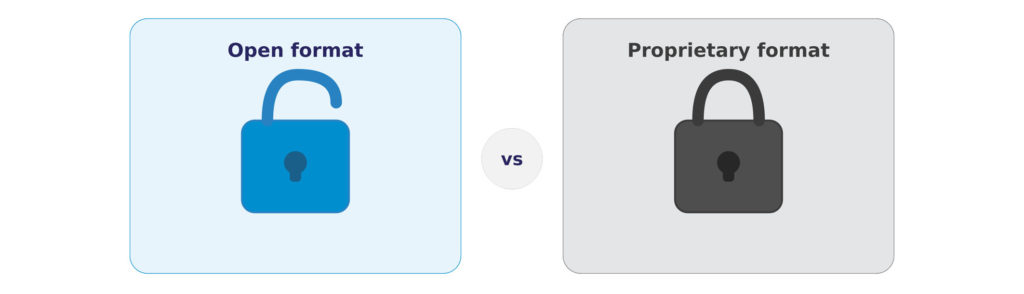
When You Cannot Read Your Own Data
Germany’s decision makes a lot of sense when you think about what happens to data over time. Creating a file is easy. Being able to open it 10 or 20 years later is a different problem entirely — and it is one that catches people off guard, usually at the worst possible moment.
Back in the early days of BackupAssist, around 2005, we received a call from an IT administrator who had a serious problem. He needed to recover data from a backup tape that was about 7 years old. He had the tape. But the backup software that created it — a product called ArcServe — had changed its data format in a newer version. To read the tape, he needed to install the old version of the software. That old version would not run on Windows 2000. And he no longer had access to any older machines. The data was sitting right there in his hands, and he could not get to it.
That story stuck with us. But it is not the only one. Around the same time, we briefly resold a consumer backup product called WinBackup, made by a company called LI Utilities out of Malta. An early review of WinBackup gives a sense of what the product promised at the time. It stored backup data in its own proprietary format — a .WBB file. The company eventually stopped developing the product and disappeared entirely. Anyone who used WinBackup and still has those encrypted .WBB files today almost certainly has no way to recover that data. The files exist. The data is gone.

This is the hidden risk of proprietary data formats. It is not just about software becoming outdated. It is about what happens when a vendor changes direction, gets acquired, or simply shuts down. When your data is locked inside a format that only 1 company’s tools can read, you are not really in control of your own data.
Think about it this way: if a vendor locks your data in a proprietary format and you can only access it using their tools, what is the practical difference between that and ransomware? In both cases, someone else is holding the key.
The fix is simple: use open formats
The solution is straightforward, and it is exactly what Germany has done: use open or well-documented formats. A zip file is a good example — zip was introduced in 1989, and you can still open one today without a second thought. The format is documented, widely understood, and not controlled by any single vendor. That is what long-term accessibility looks like.
At BackupAssist, this is not just a talking point — it shapes how we build our product. Drive image backups are stored as VHDX files, a well-documented format that Microsoft’s own tools can open. You can back up to zip. When we back up Microsoft 365 data, we store it as plain files on your local file system, not inside a proprietary container. You can read more about how we approach this in our detailed write-up on data accessibility and careful data handling.
The reason is simple: we believe you own your data, and real ownership means being able to use it whenever you want — with or without us.