Hyper-V Overview
This page explains BackupAssist's Hyper-V support, including the Hyper-V tab and CSV. Below are links to the Hyper-V backup, restore and recovery features document in other sections. Granular Restore and Rapid VM Recovery are part of the Hyper-V Advanced add-on
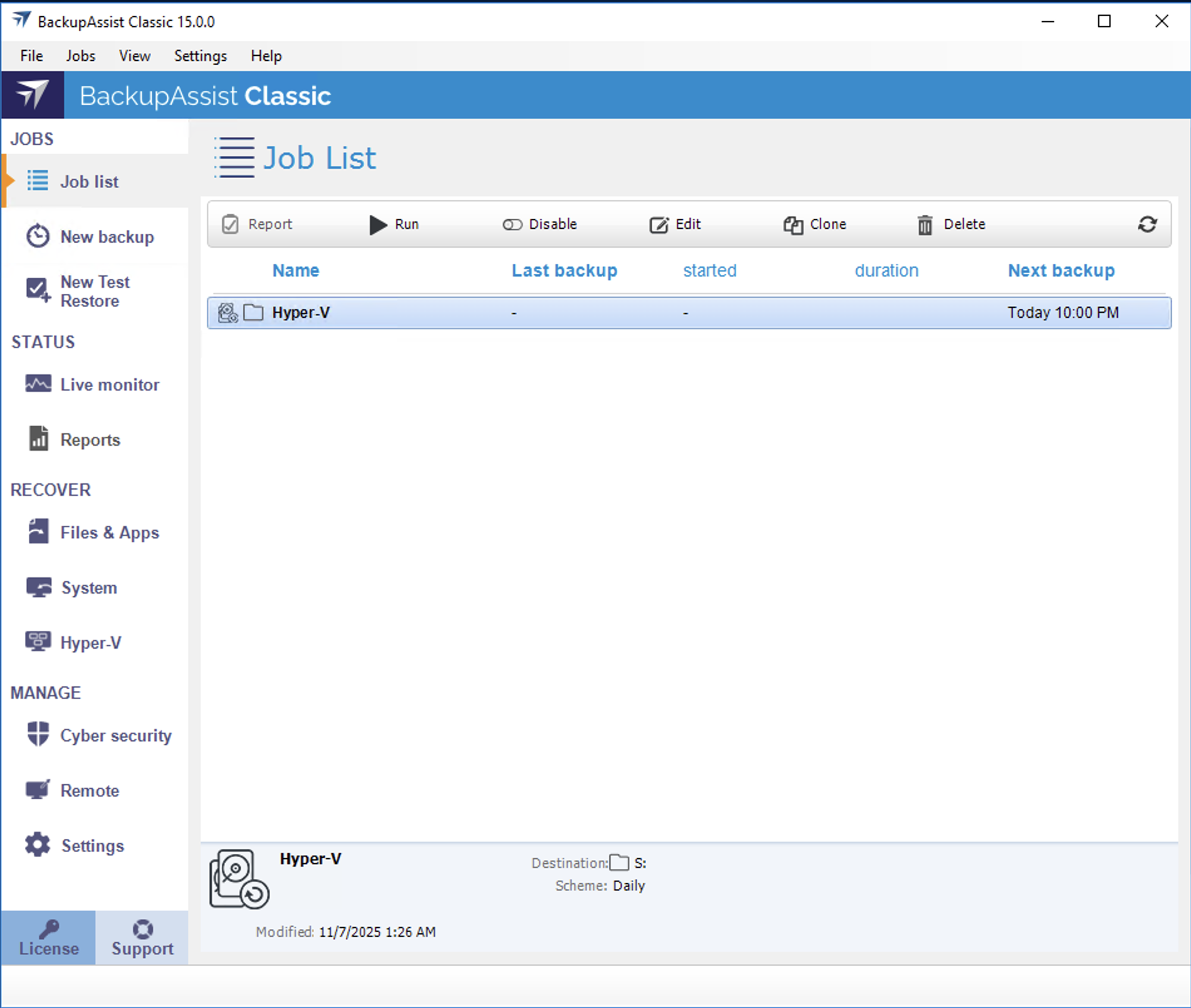
Hyper-V backups
System Protection backs your data up to an image file and is our recommended backups type because it can be used to perform a system recovery.
Hyper-V restores
BackupAssist can restore Hyper-V host files to a Hyper-V Server. Using BackupAssist's Hyper-V Advanced add-on, you can also perform a granular restore of files and folders into a guest.
Hyper-V recoveries
BackupAssist can use a System Protection backup to recover a Hyper-V Server, and any backup to recover a Hyper-V guest. Using the Hyper-V Advanced add-on, you can also perform a Rapid VM Recovery.
Hyper-V Best Practices
Setting up a Hyper-V Server and guest backup strategy takes planning. This planning includes the backup type, restore and recovery requirements, as well as the Hyper-V Server configuration and hardware.